Driver Settings Explained: How to Actually Use Loft, Lie, and Weight Adjustments
This article contains affiliate links. Fairway Pick may earn a commission at no extra cost to you.
Published fittings and independent reviews cover hundreds of driver models at fairwaypick.com and spend time on a TrackMan launch monitor regularly. The single most common question from readers: what settings should I actually use?
Most golfers buy an adjustable driver, fiddle with it once, and leave it on the default setting forever. That’s a mistake—but so is chasing the maximum loft setting hoping for extra yards.
Here’s how to dial in your driver based on your actual numbers, not marketing claims.
The Two Numbers That Matter: Launch Angle and Spin Rate
Everything in driver fitting comes down to two launch monitor numbers:
| Swing Speed | Optimal Launch Angle | Optimal Spin Rate |
|---|---|---|
| Under 85 mph | 14–17° | 2,600–3,200 rpm |
| 85–95 mph | 13–16° | 2,200–2,800 rpm |
| 95–105 mph | 12–15° | 2,000–2,500 rpm |
| Over 105 mph | 11–14° | 1,800–2,300 rpm |
Most amateur golfers are under-launching and over-spinning. The average 15-handicapper launches at 11° with 3,400 rpm—both wrong direction from optimal.
The fix is usually more loft, not less.
What the Loft Adjustment Actually Does
When you move the loft sleeve on a TaylorMade, Callaway, or Cobra driver:
- +1° loft typically adds 1–1.5° of dynamic launch and reduces spin by 100–200 rpm (because shaft angle changes)
- -1° loft does the opposite—lower launch, slightly more spin for slower swingers
For most golfers with swing speeds under 100 mph: if you’re not launching above 13°, go up one loft position. Test it on a launch monitor before committing.
Face Angle: The Most Underused Adjustment
Most adjustable drivers let you change face angle independent of loft via the hosel or movable weights. This is different from loft.
- Open face: promotes a left-to-right shot (fade/slice)
- Closed face: promotes a right-to-left shot (draw/hook)
If you consistently slice, close the face 1 position before adjusting your swing. The ball flight change is immediate and doesn’t require hitting it differently. It also doesn’t change distance the way loft does.
The Weight System: What It Actually Controls
Most modern drivers have either:
- Movable sole weights (TaylorMade Stealth, Callaway Paradym)
- Fixed or adjustable back weight (Cobra, Ping)
- Heel-toe movable weight (Titleist TSR)
What weight position actually does:
- Weight toward heel: promotes draw, slightly higher spin
- Weight toward toe: promotes fade, slightly lower spin
- Weight toward back: higher launch, higher spin—better for slower swing speeds
- Weight toward front: lower launch, lower spin—better for faster swing speeds
The distance gain from weight adjustment is real but small (5–8 yards in optimal conditions). The shot shape influence is more meaningful for golfers who struggle with a consistent miss.
The Setup We Recommend for Most Mid-Handicappers
If you have a swing speed between 85–100 mph and you slice occasionally:
- Set loft to 10.5° or one position above standard (most drivers come at 9° which is low for most amateurs)
- Close face angle by 1 position
- Move any draw-bias weight toward the heel
- Set shaft stiffness to regular (most golfers are using stiff when they shouldn’t be)
Test this on a range, preferably with a launch monitor app (Garmin Approach R10 gives reasonable numbers for $500, or many golf retailers will test you for free).
What Doesn’t Help
- Adjusting the loft so far that you get a “hot face”—this just adds spin which kills distance
- Switching settings every round based on feel
- Chasing the low-spin setting if your swing speed is under 95 mph
The Testing Protocol
Before locking in any setting, hit 10 balls per configuration and average the results. Ignore the best 2 and worst 2. The middle 6 tell you what the setting actually does for your typical swing.
One round of testing with good data is worth more than a year of random adjustments.
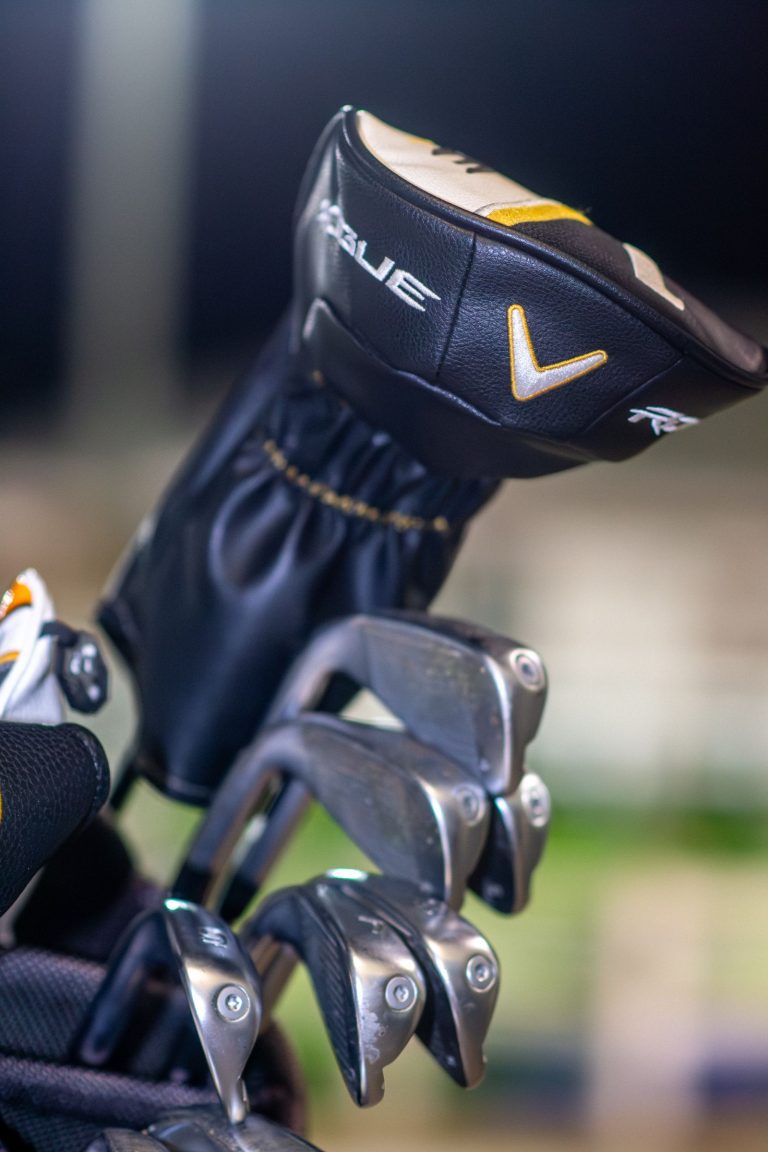
The driver in the bag is already good enough for most golfers. The question is whether it’s set up correctly for the golfer swinging it.
How Adjustable Hosels Work
Most modern drivers from Callaway, TaylorMade, Titleist, PING, Cobra and others have an adjustable hosel sleeve. Rotating the sleeve changes loft, often by about ±1.5 to 2 degrees, and in many designs also changes face angle and lie. Each brand publishes an adjustment chart, so look up your specific model rather than assuming settings are equivalent between brands.
Loft and Face Angle Are Linked
On many drivers, adding loft via the sleeve also closes the face slightly at address, and reducing loft opens it. This can help a slicer: adding loft both increases launch and helps the ball start less to the right (for right-handers).
Moveable Weights
| Weight position | Typical effect |
|---|---|
| Heel | Promotes draw, helps reduce slice |
| Toe | Promotes fade |
| Back | Higher launch, more forgiveness |
| Front | Lower spin, less forgiveness |
Launch and Spin Targets
For many golfers, higher launch with moderate spin maximizes carry. Optimal numbers depend on swing speed; launch monitor manufacturers like TrackMan publish general guidance. Slower swing speeds usually benefit from more loft than many golfers choose.
A Simple Adjustment Process
- Start at the standard setting and hit ten balls to see your typical miss.
- Change one variable at a time: loft first, then weight.
- Hit another group and compare dispersion, not just your longest drive.
- Record your final setting.
Rules Note
Under the Rules of Golf, you cannot change a club’s adjustable settings during a round.
When to Get Fitted
Adjustments fine-tune ball flight but cannot fix a wrong shaft. If your driver feels too heavy, too stiff, or produces inconsistent strikes, a professional fitting can match shaft flex, weight and length.